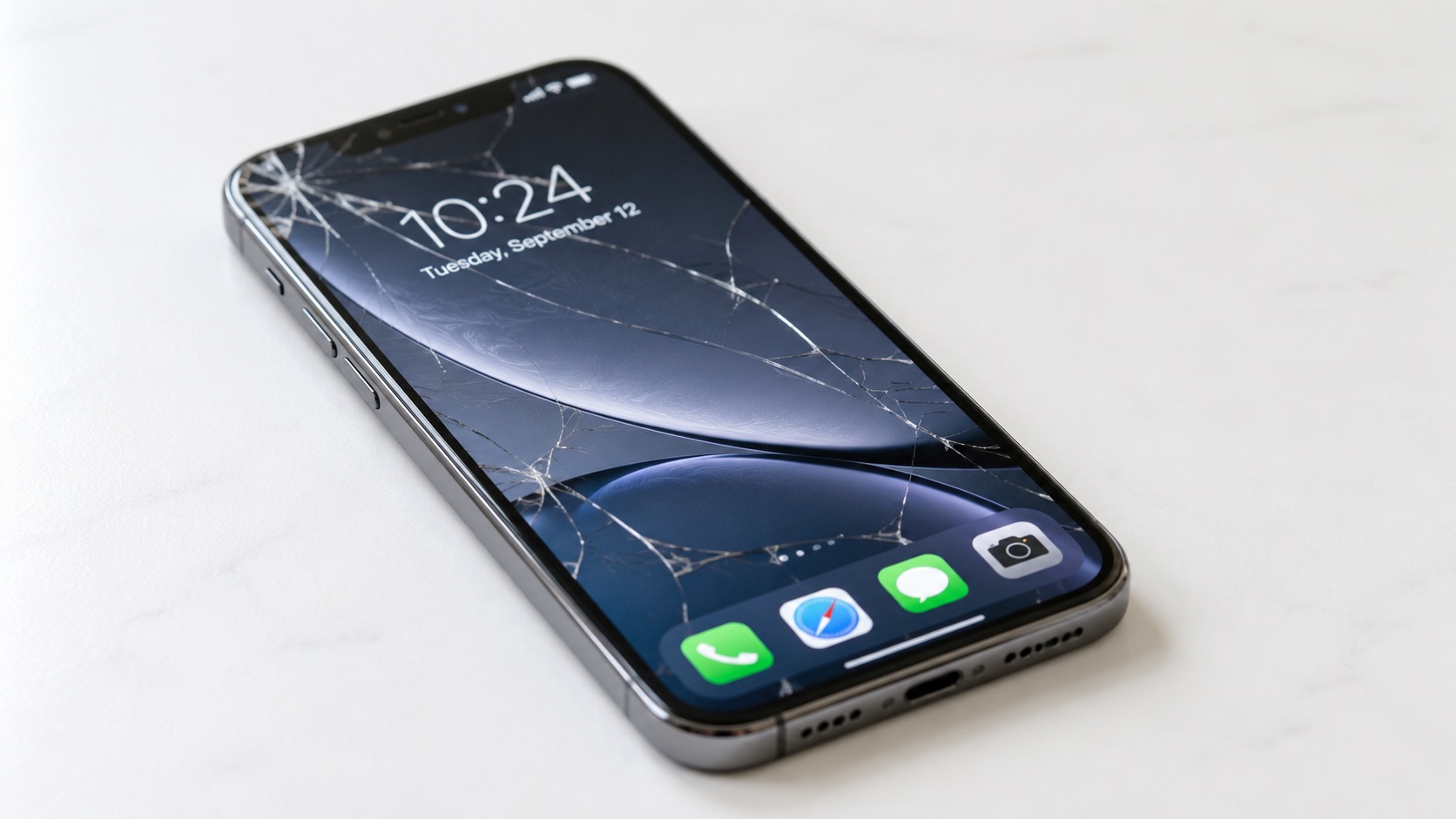
A cracked screen is one of those problems that's easy to put off. The phone still turns on, you can still text and scroll, so it's tempting to just carry on with a spider's web of cracks across the glass. But a cracked screen isn't always just a cosmetic issue, and the longer it's left, the more it can end up costing you — either in a bigger repair bill or in a phone that's no longer worth fixing at all.
This guide walks through how to tell what's actually wrong, whether it's safe to keep using the phone as it is, and how to decide between repairing the screen or replacing the phone altogether. It applies whether you're using an iPhone or an Android device.
In the short term, a small crack in the corner of the glass that doesn't affect the display or the touch response usually isn't dangerous. But there are a few reasons it's worth getting looked at sooner rather than later.
Most modern phones are sealed against dust and light splashes using adhesive between the screen and the frame. Once that seal is broken by a crack, that protection can be compromised — even a small hairline crack may let moisture in. That means a phone that used to handle a bit of rain or a spilled drink may no longer be able to, which is worth bearing in mind if you're planning to keep using it as normal.
A crack rarely stays the same size. Everyday pressure from being in a pocket or bag, along with normal use, tends to spread the damage over time, sometimes turning a small crack into a much larger repair. In some cases, sharp edges on badly cracked glass can also be a genuine cutting hazard.
If the screen is still displaying properly and touch input works normally across the whole screen, the damage is likely limited to the glass. If you're noticing flickering, discolouration, patches that don't respond to touch, or lines appearing on the display, that points to deeper damage — which is covered in the next section.
Not all screen damage is the same, and the difference matters both for cost and for how the repair is carried out.
If the display still looks correct — full brightness, accurate colours, no lines or dead patches — and the touch screen responds properly everywhere, the crack is most likely limited to the protective glass layer. This is usually the simpler and less involved of the two types of repair.
Lines across the screen, patches of discolouration, flickering, dimming, or areas where touch simply doesn't register are all signs that the impact has damaged the display panel itself, not just the outer glass. This is a more significant repair, because it usually means replacing the full screen assembly rather than just the glass.
Glass-only damage and full display damage are genuinely different repairs, and it's not always obvious from the outside which one you're dealing with. This is one of the main reasons a proper in-person check is worth doing before assuming the worst or the best about what a repair will involve.
A hard knock or drop that cracks the screen can sometimes affect other components too, particularly on phones with more sensitive front-facing hardware.
On iPhones with Face ID, the front camera system relies on a cluster of sensors near the top of the screen, along with the earpiece speaker assembly. A significant impact that cracks the screen can, in some cases, also disturb these components, which is why some people find Face ID becomes unreliable after a drop, even though the phone still works otherwise.
The same kind of impact can also affect camera stability. If you've noticed shaky footage after a drop, it's worth mentioning this alongside the cracked screen when you get the phone looked at.
A phone can look and mostly behave normally while still having some underlying damage from the same impact that cracked the screen. This is another reason a proper diagnostic check is more useful than trying to guess based on how the phone seems to be working day to day.
It's also worth keeping an eye on unrelated issues like your phone overheating, which can sometimes point to internal problems worth mentioning at the same time.
This is the real question most people are trying to answer, and there isn't a single right answer for every situation — but there is a sensible way to think it through.
In most of these cases, a screen repair is the more cost-effective option, and it's usually far cheaper than buying a new device.
A useful comparison is to weigh the repair cost against the phone's current resale value and how much longer you realistically expect to use it. If the repair is a small fraction of what the phone is worth and you're planning to keep using it for a while, repairing is usually the sensible choice.
If the phone is already on its way out for other reasons, replacing it may be the better long-term option. This is a similar principle to deciding whether to repair or replace your laptop — the underlying logic is much the same, just applied to a different device.
Where the damage is limited to the outer glass and the display and touch function are unaffected, a front-glass-only repair may be possible. Where the LCD or touch layer is also damaged, a full screen replacement — including the display and digitiser — is usually needed.
Which one applies depends on the specific damage, and this is confirmed during the diagnostic check rather than guessed in advance.
Many screen repairs can be completed quickly depending on the model and the extent of the damage, though more involved repairs — particularly where the damage goes beyond the screen — can take longer. Rather than assuming a fixed turnaround, it's best to ask directly once the damage has been properly assessed.
A reputable repair should include testing the display, touch response and any affected components, such as the front camera or Face ID sensors where relevant, after the repair is complete. It should not just be a visual check that the crack is gone.
If repairing isn't the right call for your situation, replacing the phone doesn't have to mean buying brand new.
A second-hand or refurbished phone can be a sensible middle ground — a meaningful saving compared to buying new, while still getting a phone in good working condition. It's a particularly reasonable option if your current phone's only real problem was the cracked screen and everything else about it suited you fine.
Battery health, screen condition, and confirming the phone isn't locked to another account or network are all worth checking carefully before buying. If you're leaning towards this option, it is worth reading a guide to buying a second-hand phone before making a decision.
Whichever option you go with, small habits make a difference to how long a screen and the rest of the phone last. Keeping your phone clean and using a good case and screen protector can help reduce the risk of future damage.
If you're not sure which category your phone falls into — a straightforward glass repair, a full screen replacement, or a case for replacing the phone altogether — the most reliable way to find out is to have it looked at properly rather than guessing from how it looks or behaves.
At BSF Electronics, 57 Piccadilly, Manchester, M1 2AP, you're welcome to bring your phone in for a diagnostic check and quote. We'll take a proper look at what's actually damaged, explain what repair makes sense for your device, and give you honest advice — including telling you if we think replacing the phone is the better option.
There's no pressure to go ahead with anything on the spot.
In most cases, yes — particularly if the rest of the phone is in good condition and the repair cost is reasonable compared to the phone's value. It's less worthwhile if the phone is already old or has other significant problems. A quick diagnostic check is the most reliable way to know for sure in your specific case.
Cost varies significantly depending on the phone model, whether it's a glass-only repair or a full screen replacement, and the parts required. Rather than guessing, the most accurate way to get a price is a diagnostic check and quote for your specific device.
It can, in some cases. A hard impact that cracks the screen can also disturb the front-facing camera system and sensors used for Face ID on iPhones, even if the phone otherwise seems to work normally. If you've noticed Face ID becoming unreliable, or shaky footage after a drop, it's worth mentioning alongside the cracked screen when you get it checked.
Yes. Most phones rely on a sealed adhesive bond between the screen and the frame for water resistance. Once that seal is broken by a crack, water resistance can no longer be relied on, even if the crack looks minor.
It depends on the model and the type of damage. Many screen repairs can be completed quickly depending on the model and damage, but more involved repairs can take longer. It's best to ask for a time estimate once the phone has been properly assessed.
Repairing is usually cheaper than buying a new phone, particularly if the damage is limited to the screen and the phone is otherwise in good condition. Replacing tends to make more financial sense only when the repair cost is a large proportion of the phone's value, or when there are other significant issues alongside the cracked screen.
Yes, it's possible to sell a phone with a cracked screen, but it will typically be valued lower than a phone in good condition. In many cases, repairing the screen first and then selling — or simply continuing to use the phone — works out better financially than selling it damaged.
Cracked glass refers to damage to the outer protective layer, where the display and touch function still work normally. A damaged LCD means the display panel itself is affected, often showing lines, discolouration, flickering, or unresponsive areas. The two require different repairs, which is why a proper check is useful before assuming the cost or scope of the fix.

As BSF Electronics, we take pride in providing professional and reliable mobile and laptop repairs in Manchester.
